BrowserOS: The Open-Source AI Browser That Puts You in Control (Not a Black Box)
Last month I wrote about getting browser-use working with local AI models. It works, but let’s be real — it’s a black box. You pipe commands in, hope the agent clicks the right thing, and when it fails, you’re debugging through abstraction layers.
Then I found BrowserOS. And honestly? It changed how I think about browser automation entirely.
What Is BrowserOS?
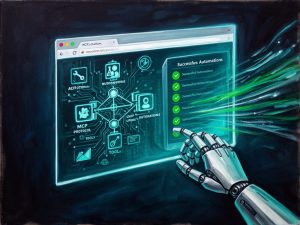
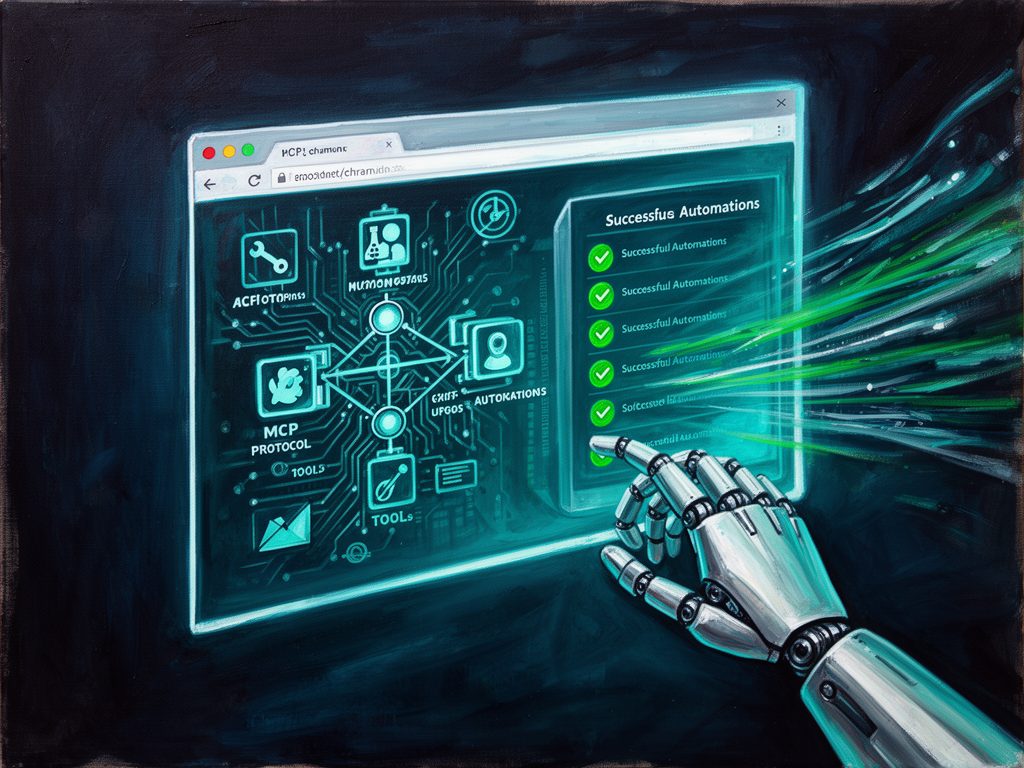
BrowserOS is an open-source Chromium fork — AGPL-3.0 licensed, 10,000+ GitHub stars — built from the ground up as an AI-native browser. Not a plugin. Not a proxy server. The AI lives in the browser.
It comes with a built-in MCP (Model Context Protocol) server that exposes 53+ browser automation tools and 40+ app integrations through a single HTTP endpoint. No remote-debugging ports. No Node.js proxy processes. Just a browser that speaks MCP natively.
The Setup: Laughably Simple
Here’s the entire setup for Claude Code:
# Step 1: Download BrowserOS from browseros.com — done
# Step 2: Open chrome://browseros/mcp — copy the URL
# Step 3: One command
claude mcp add --transport http browseros http://127.0.0.1:9239/mcp --scope user

# Done. Start using it:
claude --dangerously-skip-permissions
That’s it. No --remote-debugging-port. No separate Node.js server. No WebDriver flags that get your sessions blocked. BrowserOS runs your real browser with your cookies, extensions, and logins. Sites can’t tell you’re automating because — well — you’re using a real browser.
Compare that to the browser-use setup where you need a Python environment, Playwright, a separate MCP server package, API keys, and pray that your vision model’s mmproj file works. If you’ve read my previous post on browser-use, you know the pain.
Vision Models: Works Out of the Box

BrowserOS supports Claude Opus 4.5, Sonnet 4.5, Haiku 4.5, Gemini Flash, GPT-4, and local models via Ollama/LM Studio — all through its built-in agent loop. The browser’s take_snapshot tool captures the full accessibility tree with interactive element IDs, and take_enhanced_snapshot adds structural context. Vision models can analyze take_screenshot output to understand page layouts, icons, and visual state.
The recommendation from the BrowserOS docs: Claude Opus 4.5 for agent mode (best quality), Sonnet 4.5 for speed. And unlike browser-use where vision model integration can be fragile, BrowserOS abstracts the complexity away. You configure your provider once, and the agent loop handles the rest.
53+ Tools — And They’re All Visible
This is where BrowserOS destroys the black-box argument. You get a catalog of 54 browser automation tools that you can inspect and call directly:
- Navigation & Tabs: navigate, new_page, new_hidden_page (stealth tabs!), show_page, move_page, close_page, list_pages, get_active_page
- Content & Observation: take_snapshot, take_enhanced_snapshot, get_page_content (Markdown!), get_page_links, get_dom, search_dom, take_screenshot, evaluate_script
- Interaction: click, click_at, hover, focus, fill, clear, check, uncheck, select_option, press_key, drag, scroll, upload_file, handle_dialog
- Window Management: list_windows, create_window, create_hidden_window, close_window, activate_window
- Tab Groups, Bookmarks, History: full CRUD for all three
- File & Export: save_pdf, save_screenshot, download_file
Every tool is documented, every parameter is known. When the agent does something unexpected, you can see exactly which tool was called and with what parameters. No more wondering why it clicked the wrong button.

Console Errors? Yes, It Reads Them
Double-checked this one. BrowserOS’s MCP server includes a get_console_messages tool that reads console output from the page. The official docs literally say: “Claude tests your web app, reads console errors, and fixes the code — all in one loop.”
Plus you have
evaluate_script to run arbitrary JavaScript and capture return values, exceptions, and side effects. For agentic coding workflows, this is a game changer — your AI assistant can navigate to localhost:3000, click around, read console output, and fix frontend bugs without you lifting a finger.
Registration Flows: Chain BrowserOS + Gmail MCP
This is where it gets wild. BrowserOS ships with 40+ built-in app integrations — including Gmail, Outlook, Google Calendar, Slack, GitHub, Linear, Jira, Notion, and more. They all work through the same MCP connection. Zero additional setup.
So picture this agent prompt:
Go to freelancermap.de, click “Register Now”, fill in the form with these details: [name, email], submit. Then check my Gmail for the confirmation email. Click the verification link. Complete the profile setup wizard.
One prompt. BrowserOS navigates, the Gmail MCP reads the inbox, clicks the link, completes the flow. The entire registration pipeline — from form fill to email verification to profile completion — done automatically.
This is what makes BrowserOS qualitatively different from browser-use. It’s not just a browser tool — it’s an automation platform that includes the communication channels your workflows depend on.
Responsive Testing & Window Management

For frontend testing, you get full window management: create windows, hide them, activate them, list them. While resize_page for precise viewport sizing is marked as “coming soon” in the core, you can achieve the same through evaluate_script by calling window.resizeTo(). Plus there are third-party MCP servers like MCP-Browser-Inspector that add 50+ device presets for responsive testing.
Where BrowserOS Still Struggles
Let’s be honest about the rough edges:
- Complex JavaScript forms and dropdowns — Custom select widgets, date pickers, and shadow DOM components can confuse the accessibility tree snapshot. The agent sometimes clicks the wrong element or misses options.
- Single-page apps with heavy JS routing — Vue.js and React SPAs that manage their own state can be tricky. The DOM may not be ready when the snapshot is taken.
- Debugging features — Compared to Chrome DevTools MCP, BrowserOS is still catching up on console/network inspection (though
get_console_messagesalready exists).
That said, these are solvable through better skill prompts and timing. For building a job application agent that registers on any platform — with BrowserOS + Gmail MCP + well-structured skills — you can absolutely pull it off. We’ve been doing it internally.
Why It Beats browser-use
| Dimension | BrowserOS MCP | browser-use MCP |
|---|---|---|
| Setup | Copy URL, one command | Python env + Playwright + config |
| Open source | Full Chromium fork, AGPL-3.0 | Python package, MIT |
| Tools | 54 browser + 40+ app integrations | ~15 browser tools |
| Architecture | Non-CDP (stealth), built-in | CDP-based, external process |
| Session | Real browser, cookies, extensions | Playwright browser, may be detected |
| App integrations | 40+ (Gmail, Slack, GitHub, …) | None built-in |
| Vision models | Claude, GPT-4, Gemini, local | Depends on external provider config |
| Console reading | get_console_messages + evaluate_script | Not built-in |
The Bottom Line
BrowserOS is not just “another browser automation tool.” It’s a paradigm shift in how AI agents interact with the web. The combination of native MCP, real browser sessions, 40+ integrations, and transparent tooling makes it the most capable open-source option in 2026.
If you’ve been fighting with browser-use, Playwright MCP, or Chrome DevTools MCP — give BrowserOS a try. Download the binary, run one command, and see what a properly designed AI browser can do.
We use BrowserOS at Vyftec for automated testing, registration workflows, and data extraction. Get in touch if you want to build something similar.
Sources:
- BrowserOS GitHub Repository
- BrowserOS Documentation
- BrowserOS vs Chrome DevTools MCP
- Using BrowserOS with Claude Code
- BrowserOS MCP Server Architecture (DeepWiki)
Vyftec – BrowserOS: The Open-Source AI Browser
Unlock the power of automation with our expertise in AI and web technologies. Experience Swiss-quality solutions tailored to your needs—let’s transform your digital landscape together!
📧 damian@vyftec.com | 💬 WhatsApp