Taming the Chaos: How to Make LLMs Write Clean, Non-Destructive Code

Let’s be honest for a second: if you’ve ever asked an LLM to “fix this bug” and it came back having rewritten half your codebase, introduced three new dependencies, and moved your config files around “for consistency” — you’re not alone. We’ve all been there. The tool that’s supposed to save you time ends up costing you days of untangling.
The problem isn’t that LLMs are bad at coding. The problem is that we’re bad at managing them. The difference between a chaotic, bug-spewing AI partner and a precise, reliable one comes down to a set of skills and workflows that the community has been slowly converging on throughout 2025 and into 2026.
At Vyftec, a Swiss web agency building everything from corporate sites to financial dashboards, we’ve been living this reality daily — using AI tools to accelerate delivery without sacrificing the Swiss quality our clients expect. Here’s what actually works.
The Incremental Context Principle
Google Chrome engineer Addy Osmani put it bluntly: the only way to survive LLM coding workflows going into 2026 is “incremental context carrying.” You cannot dump a whole system into an LLM and expect coherent output. It will produce what one developer described as “like 10 devs worked on it without talking to each other.”
Instead, break your project into iterative steps. Generate a structured prompt plan with a sequence of focused prompts. Tackle one function, one bug, one feature at a time. Each chunk must be small enough that the AI can handle it within context, and you can verify the output before moving on. This naturally feeds into a TDD workflow — write a test, generate code to pass it, verify, repeat.
Why TDD Is Your Best Friend When Coding with AI
There’s a reason TDD and LLMs are a match made in heaven. Tests act as perfect prompts: instead of saying “generate a function that validates emails,” you say it('should return only valid emails from a mixed list') and let the LLM write code to make it pass. The more precise the test, the more accurate the generation.
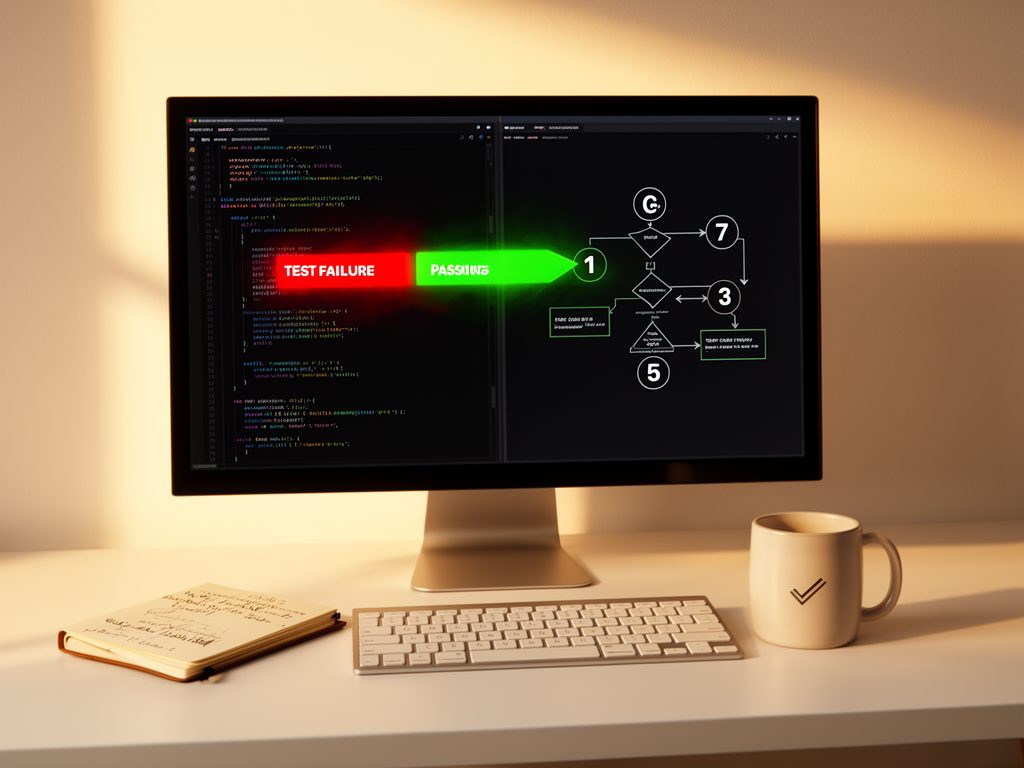
The TDD loop — Red, Green, Refactor — provides structure to an inherently chaotic process. It reduces hallucination by keeping the LLM focused on small, testable goals. It builds confidence because every step is validated. And it keeps you in flow: instead of debugging a vague output, you just write the next test and let the AI catch up.
The Agentic Coding Handbook recommends starting with high-value behavior first (not edge cases), keeping test scopes tight (one behavior per prompt), and letting the AI refactor with the explicit instruction: “clean up the logic but keep all tests green.” Pre-commit hooks that run tests before merge are non-negotiable.
The EvanFlow Approach: Forcing Structure on Chaos
If you want to go deeper, there’s EvanFlow — a collection of Claude Code skills that hijack the AI’s reasoning loop and force it through four rigid phases: Brainstorm, Plan, Execute, Iterate. The brainstorm phase explicitly blocks code generation. The model must think before it types. Cryptographic checkpoints at every transition prevent the AI from skipping ahead.
It sounds extreme, and the name is admittedly a bit much. But the underlying philosophy is sound: LLMs are prediction engines, not reasoning engines. If you give them freedom, they’ll optimize for the fastest route to a passing test — which might mean rewriting your test to expect the wrong output, importing a massive dependency, or hardcoding a string literal. EvanFlow prevents all of that by enforcing a methodical, test-first workflow at the tool level.
How to Prevent LLMs from Overwriting Your Work
The scariest failure mode of modern AI coding agents is unintended side effects. An agent that can inspect files, run commands, and make coordinated edits is powerful — but a small misunderstanding can cause a broad refactor you never wanted, files deleted “for cleanup,” or human changes silently reverted.
The fix is a three-phase human-checkpoint workflow:
- Inspect only. Force the AI to tell you exactly which files it wants to change and why. No modifications yet.
- Apply only approved edits. Shrink the permission boundary to exactly the files you’ve approved. Ban file deletion, git resets, and force-pushes.
- Cleanup only with confirmation. Never let the AI bundle cleanup into the same run as fixes.
Never let an AI agent move from “propose” to “apply” to “clean up” without a human checkpoint in between. That single rule prevents a huge percentage of the painful failures.
Living Documents for Large Codebases
When your project exceeds 10,000 lines, the naive approach of dumping everything into context collapses. Wojtek Jurkowlaniec’s workflow solves this: maintain living DESIGN and ARCHITECTURE documents that evolve with the code. Feed the LLM only the relevant docs and code at each step. The LLM never needs to “remember” the entire codebase — it just needs the right slice at the right time.
Key lessons from engineers who’ve scaled LLM-assisted projects past 10k+ lines:
- Don’t skip documentation. DESIGN and ARCHITECTURE docs are the glue holding everything together.
- Iterate in working states. Broken intermediate stages pile up into chaos.
- Codify corrections. Every mistake is a chance to write a new rule in your guideline file. Over time, the LLM improves because you constrain it better.
- Consistency beats speed. Yes, it’s slower than “just letting it code.” But that’s why the project is still alive at 10k+ lines instead of abandoned after the first big refactor.
Practical Prompt Engineering for Bug Fixes
When you need a precise bug fix with zero side effects, the research is clear: context is everything. Before asking the AI to fix anything, do a brain dump of everything it needs to know: the relevant code, the expected behavior, the constraints, and (crucially) what not to touch. Use tools like gitingest or repo2txt to package relevant source files into a digest the LLM can ingest.
LLMs are literalists. If you precede a code snippet with “Here is the current implementation of X. We need to fix Y, but be careful not to break Z,” they will follow those instructions. The more you constrain the solution space, the less likely they are to introduce side effects.
Choose Your Tools Wisely
Different tools excel at different tasks. As the Graphite team’s comparison shows: Copilot is best for inline completion of routine patterns. Cursor excels at command-driven refactoring with deep codebase awareness. Claude Code (and similar CLI tools) shine at autonomous, multi-file operations and complex reasoning tasks.
The winning strategy isn’t to pick one — it’s to use each where it fits best, with clear boundaries and strong quality gates (tests, linting, AI-on-AI code review).
The Virtuous Cycle
The most successful AI-assisted developers share one trait: they treat every LLM session as a learning opportunity. They come to the table with solid engineering fundamentals, and the AI amplifies their productivity. Seasoned devs report that LLMs “reward existing best practices” — writing clear specs, having good tests, doing code reviews. All of these become even more powerful with an AI in the loop.
As Addy Osmani notes: use strong automation to keep the AI honest. More tests, more monitoring, AI-on-AI code reviews. Set up quality gates and let the AI prove its work before it ships. That’s not paranoia — it’s engineering.
Vyftec is a Swiss web agency specialized in corporate websites, dashboards, and financial applications. We combine 20+ years of technical expertise with AI-driven workflows to deliver high-quality, cost-effective solutions. Get in touch.
Vyftec – Taming the Chaos with LLMs
Unlock the power of AI coding with our expertise in clean, non-destructive code through TDD and debugging. Experience Swiss-quality solutions tailored to elevate your software engineering workflow.
📧 damian@vyftec.com | 💬 WhatsApp